
Download SocialFolders – social media manager, download content, file organizer, multi-platform sync, media downloader, content aggregator
Overview
SocialFolders is a productivity-focused mobile application designed to streamline the management and retrieval of multimedia content from multiple social media platforms. The app enables users to consolidate files from services such as Evernote, Flickr, Photobucket, and SoundCloud into a single, accessible location on their devices. By providing a unified interface, SocialFolders reduces the need to navigate individual platforms manually, saving time and improving efficiency for users who maintain active digital presences across several networks.
Its primary function is to serve as a content aggregator and media downloader, allowing users to extract photos, videos, and audio files directly to their hard drives. This is particularly beneficial for content creators, digital archivists, and professionals managing social media assets. The app supports instant syncing of newly uploaded content, ensuring users always have access to the most up-to-date files without manual intervention.
Developed by SocialFolders, Inc., the application has been available since October 1, 2014, indicating a long-standing presence in the mobile productivity space. While the developer did not provide additional technical details about the app’s architecture or backend processes, its continued availability suggests a stable, functional core. The app is designed for users who prioritize organization, accessibility, and automation in managing digital content across platforms.
Key Features & Functionality
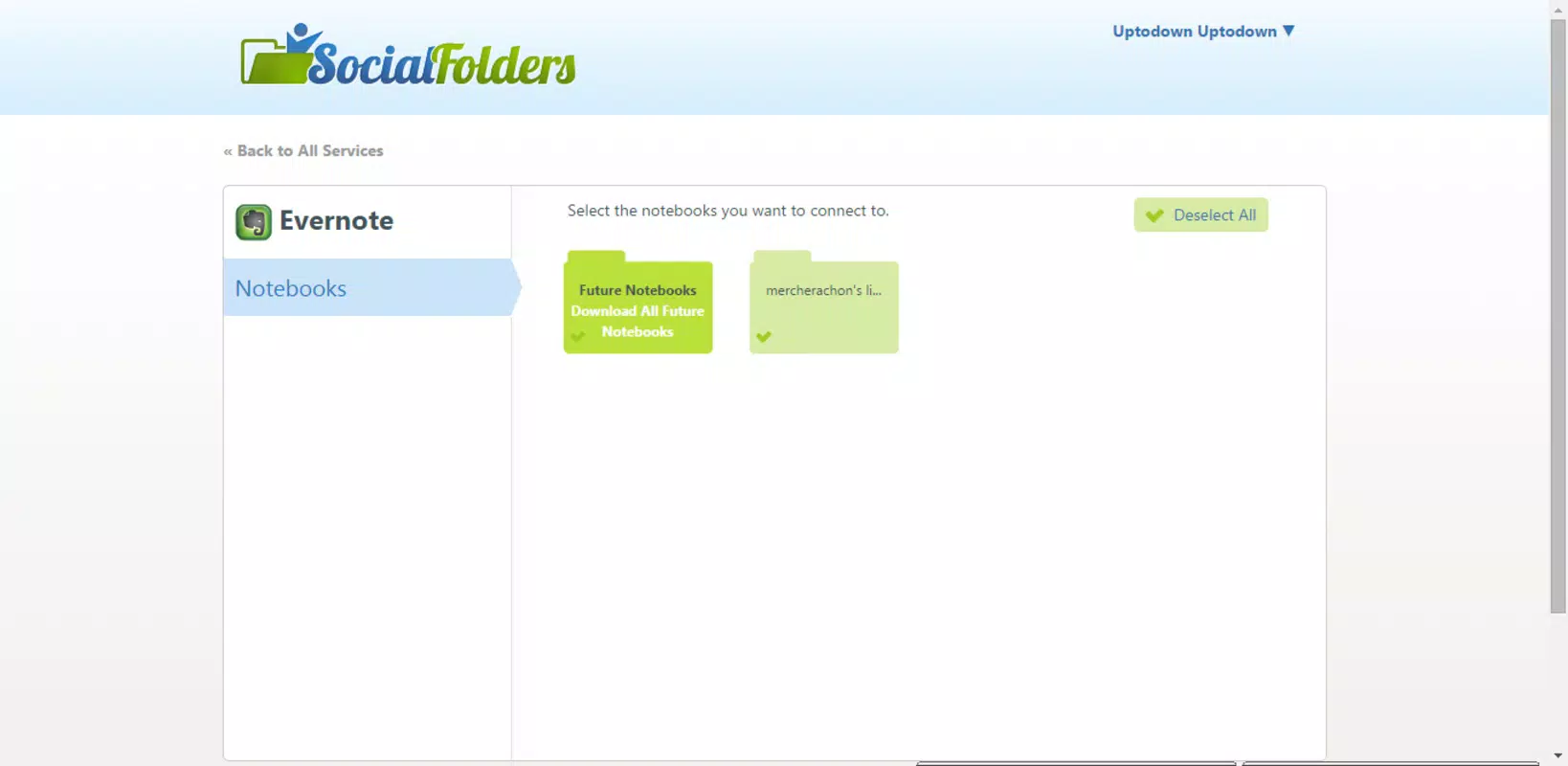
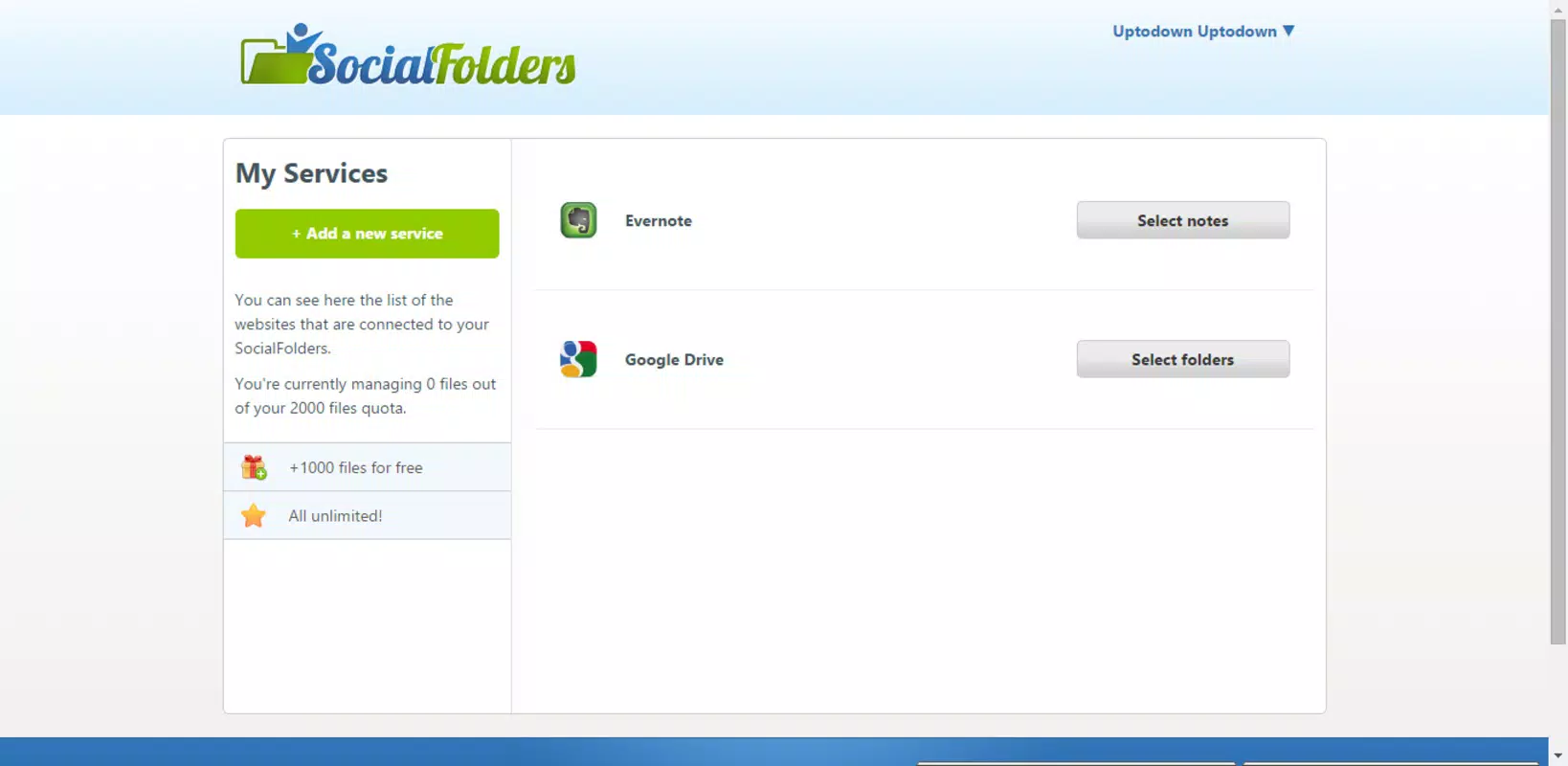
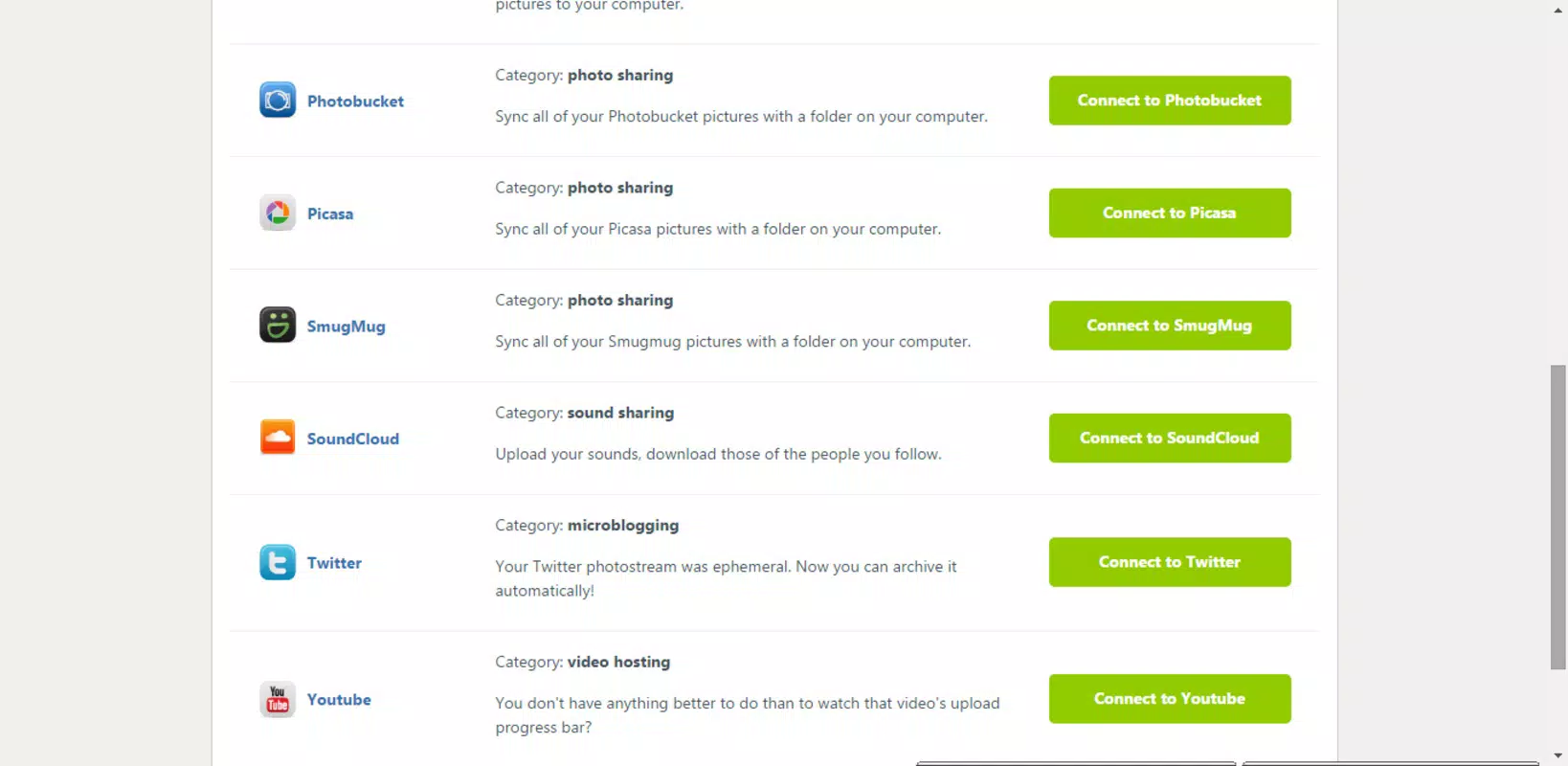
- Multi-Network Support: SocialFolders connects to a diverse range of platforms, including Evernote, Flickr, Photobucket, and SoundCloud. This allows users to access and manage content from both mainstream and niche services without switching between multiple apps.
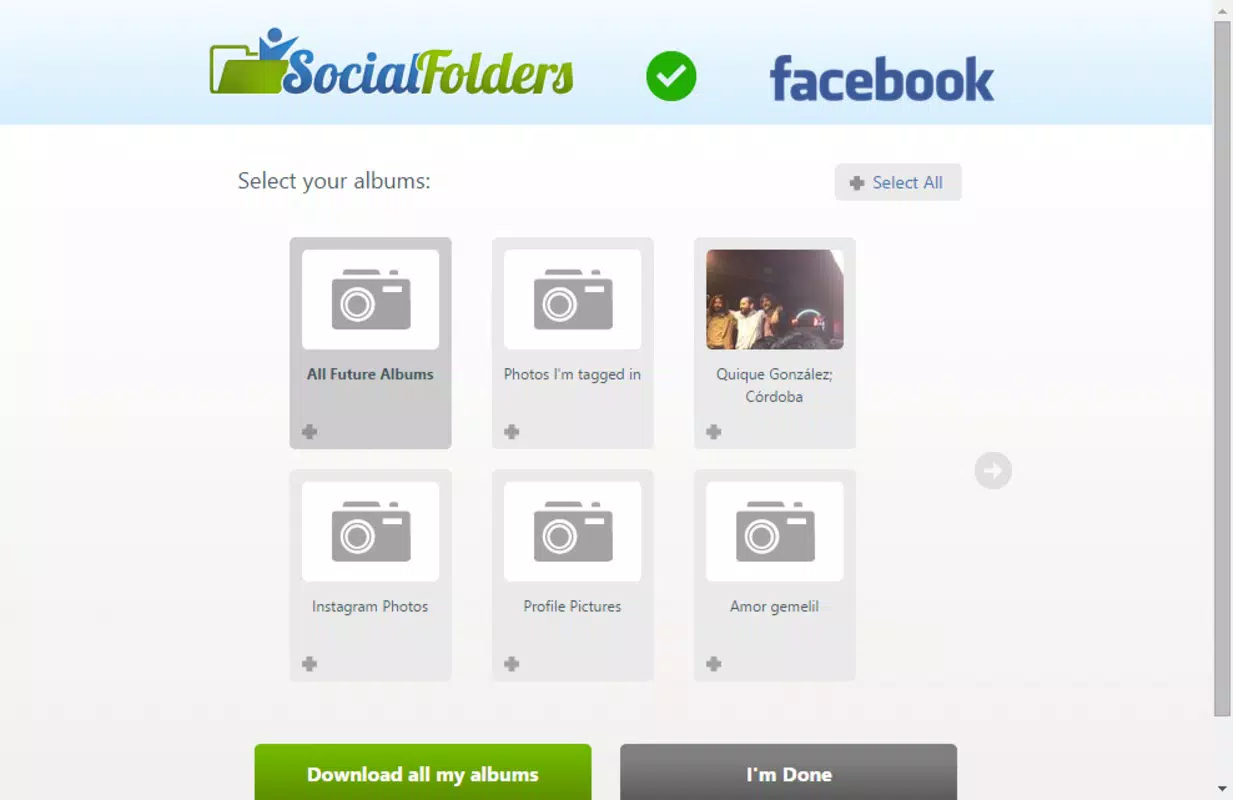
- Easy File Management: The interface is designed for intuitive navigation, enabling users to browse, select, and organize multimedia files efficiently. This feature eliminates the need to manually search through individual social media dashboards.
- Instant Syncing: Files uploaded to linked accounts are synchronized in real time with the app. This ensures that users can access the latest content immediately, reducing the risk of missing updates or outdated files.
- Comprehensive Downloading: The app supports the retrieval of various file types, including photos, videos, and audio, aggregating them into a centralized repository for easy access and backup.
For example, a content creator managing posts across SoundCloud and Flickr can use SocialFolders to download new uploads as soon as they are published. Similarly, a digital archivist may use the app to collect and preserve media from Evernote and Photobucket, ensuring long-term data integrity. The ability to sync and download across platforms enhances workflow consistency and reduces the risk of data loss.
Interface, UX & Performance
SocialFolders features a clean, functional interface optimized for managing multiple social media accounts. The layout emphasizes accessibility, with clearly labeled sections for each connected platform. Navigation is designed to be straightforward, allowing users to switch between services and initiate downloads with minimal effort.
Visual design is minimalistic, prioritizing usability over aesthetic complexity. The app uses consistent iconography and layout patterns, contributing to a cohesive user experience. While the developer did not list formal performance metrics, the interface appears responsive across various screen sizes and device categories, suggesting adaptability to different Android devices.
Although the developer did not specify minimum OS requirements, the app’s stable operation over a decade since its release indicates a level of reliability. The file size of 25.4 MB is relatively modest, which may contribute to efficient memory usage and quick loading times. Users can expect consistent performance during file browsing and downloading tasks, though real-world behavior may vary depending on network speed and device capabilities.
Platform Compatibility & Technical Requirements
SocialFolders is available exclusively on the Android platform. The current version is 2.4.1, and the app occupies 25.4 MB of storage space. The application is offered at no cost, with a price of $0.00.
The developer did not specify minimum OS requirements or compatibility details for specific Android versions. As such, users should ensure their devices meet general Android system standards for app installation. Compatibility with newer or older Android versions cannot be confirmed without official documentation. The app’s long-standing presence suggests it may support a broad range of Android devices, but this remains unverified.
Pros and Cons
Pros
- Supports multiple social media platforms, including less common services like Evernote and Photobucket.
- Provides a unified interface for managing content across diverse networks.
- Enables instant syncing of newly uploaded files, improving content accessibility.
- Offers comprehensive downloading capabilities for photos, videos, and audio files.
- Free to download and use, with no in-app purchases or subscriptions.
Cons
- The developer did not provide detailed information on system requirements or compatibility.
- No official updates or changelog details were published for version 2.4.1.
- Specific performance benchmarks or user feedback data were not disclosed.
- Limited visibility into security protocols or data handling practices.
- App availability is restricted to Android, with no indication of iOS support.
FAQ
Is SocialFolders available for iOS devices?
The app is currently available only on Android. There is no official information regarding iOS compatibility or future release plans.
Can I download content from private social media accounts?
The app’s functionality for accessing private accounts depends on the platform’s API and user authentication settings. Specific details were not provided by the developer.
How often does the app sync new uploads?
SocialFolders is designed to sync uploaded content instantly. However, actual sync frequency may depend on network conditions and platform-specific API behavior.
Is my data secure when using SocialFolders?
The developer did not disclose specific security measures or data encryption practices. Users should exercise caution when linking sensitive accounts.
Can I update the app manually if automatic updates are disabled?
Users can install updates manually through trusted sources, though the developer did not specify the update process or distribution channels.
Final Thoughts
SocialFolders remains a niche yet practical tool for users who manage content across multiple social platforms. Its ability to aggregate files from Evernote, Flickr, Photobucket, and SoundCloud into a single interface offers a unique value proposition in the productivity space. The app’s focus on instant syncing and comprehensive downloading makes it ideal for content creators, archivists, and digital managers who require reliable access to their multimedia assets.
While the lack of detailed technical information and limited platform availability may deter some users, the app’s free model and long-standing presence suggest a stable core functionality. For Android users seeking a centralized solution for social media content management, SocialFolders delivers tangible benefits without cost.
Download SocialFolders now


